

A Commerce Leader’s Guide to Headless Commerce Platforms — Shopify
Headless commerce platforms are changing how brands deliver customer experiences online. For commerce leaders, marketing teams, and eCommerce decision makers, headless offers speed, flexibility, and integration possibilities — but it also introduces architectural complexity and SEO pitfalls if not implemented correctly. This guide explains what headless commerce is, contrasts it with traditional setups, highlights SEO and performance implications, outlines integrations with modern marketing stacks, and provides a migration checklist and recommended tech stack patterns.
What is headless commerce?
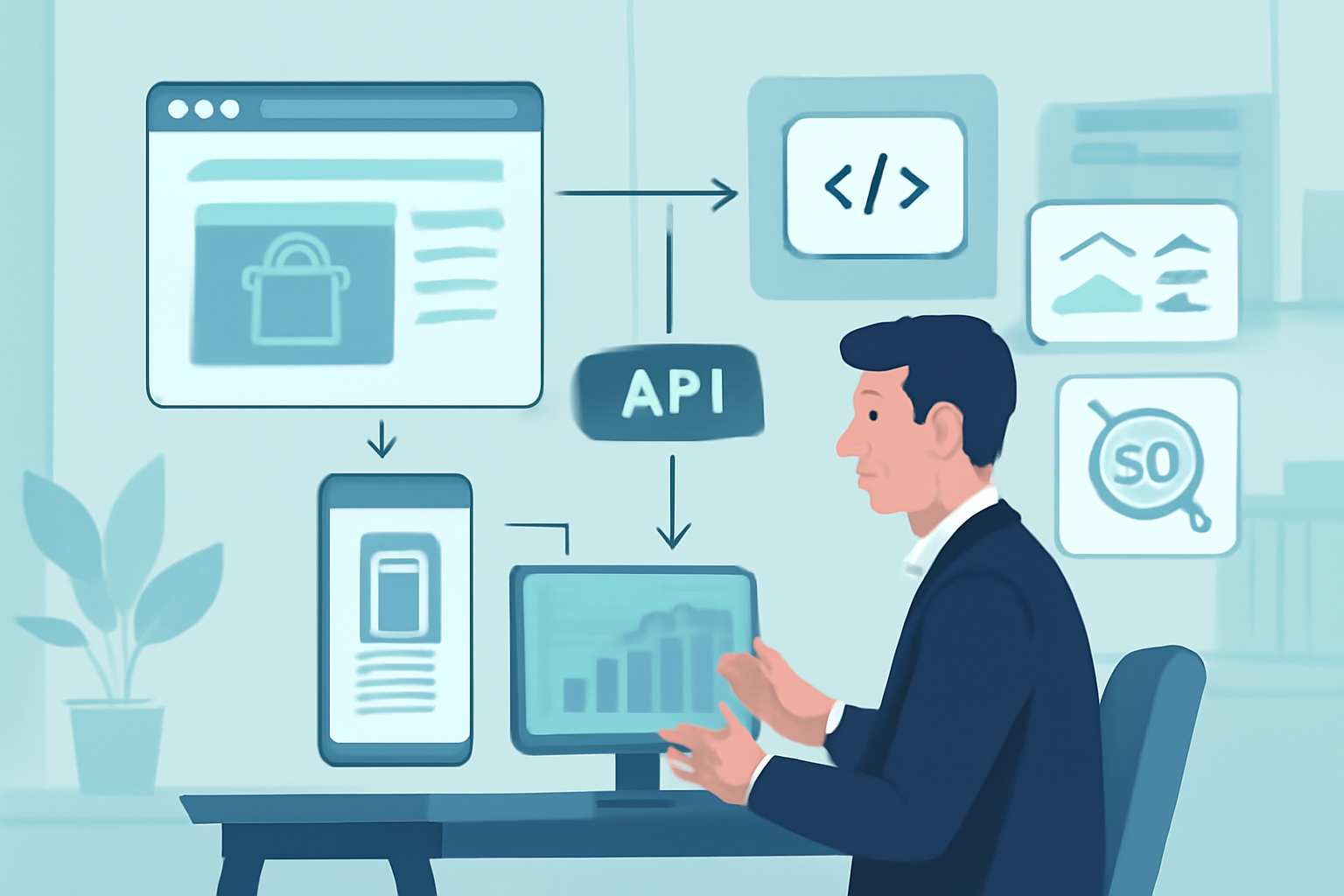
Headless commerce decouples the front-end (the “head” — storefront, mobile app, POS UI) from the back-end commerce engine (catalog, cart, checkout, order management). The front-end communicates with the back-end through APIs. This separation allows teams to design and iterate on UX independently from commerce logic, enabling unified experiences across channels.
Headless vs Traditional Commerce: Key differences
Traditional (Monolithic) Commerce
– Front-end and back-end tightly integrated. Out-of-the-box themes handle routing, templates, checkout, and admin. Easier to launch and maintain.
– Pros: Faster time-to-market, fewer moving parts, predictable maintenance.
– Cons: Limited front-end flexibility, slower innovation for bespoke experiences.
Headless Commerce
– Front-end is separate. Use modern frameworks (React, Vue, Svelte) and call commerce APIs for product, cart, and checkout.
– Pros: Custom UX, better performance through modern rendering patterns, omnichannel reuse of commerce services.
– Cons: Higher initial build cost, requires engineering maturity, more integrations to manage.
SEO and Performance Implications
Switching to headless affects search visibility and page performance both positively and negatively depending on implementation.
SEO Considerations
- Server-side rendering (SSR) or static generation is essential for crawlable content. Client-side rendered pages alone can hide content from search engines and slow indexing.
- Maintain HTML metadata (titles, meta descriptions), canonical tags, structured data (Product, Review, Breadcrumb), and sitemaps.
- Preserve URL structures where possible. If URLs change, implement 301 redirects and update internal links.
- Hreflang and multi-language support require careful mapping in the headless setup.
Performance Considerations
- Modern frameworks with SSR/ISR (Incremental Static Regeneration) can dramatically improve Time to First Byte (TTFB) and Largest Contentful Paint (LCP).
- Use CDNs and edge rendering for geographically distributed audiences.
- Optimize critical rendering path: prefetch key API responses, compress assets, and use image optimization on the edge.
Practical example: An eCommerce brand migrating their product pages to a Next.js front-end with incremental static regeneration saw faster LCP by serving pre-rendered HTML and loading additional data via hydration, while search engines indexed complete product information thanks to SSR.
Integrating Headless Commerce with Your Marketing Stack
Headless platforms give marketing teams more control but require deliberate integration planning. Below are integration patterns for analytics, ad platforms, and personalization.
Analytics and Tag Management
- Implement a robust data layer (window.dataLayer or equivalent). Map eCommerce events (product view, add-to-cart, purchase) consistently.
- Use server-side tagging for improved data reliability and privacy compliance. Server-side GTM or tag-forwarding reduces ad-blocker losses and improves attribution.
- Track key events with GA4 using both client and server streams to reconcile discrepancies.
Google Ads & Meta Ads
- Use conversion tracking through server-side endpoints to improve match rates and measurement accuracy.
- Map eCommerce events to Google Ads conversions and Meta Conversions API events. Ensure order IDs and revenue fields are passed consistently.
- Leverage remarketing audiences generated from server-side user events for reliable targeting.
Personalization & Search
- Separate search service (e.g., Algolia, Elasticsearch) to deliver instant results and facets without overloading commerce APIs.
- Integrate personalization engines (Nosto, Dynamic Yield, or internal ML services) via API to tailor product recommendations and content blocks at render time.
Recommended Tech Stack Patterns
1. Shopify Headless — Front-end Framework + Shopify APIs
Use Shopify as the commerce backend. Build the storefront in Next.js, Remix, or a framework of choice. Deploy on Vercel or Cloudflare Pages. Use Shopify Storefront API for product and cart, and Shopify Checkout or a custom checkout for complex flows.
2. Composable Microservices
Combine best-of-breed services: commerce engine (Shopify/Commerce Layer), headless CMS (Contentful, Sanity), search (Algolia), personalization (Dynamic Yield), and payments (Stripe). Orchestrate with an API gateway and deploy front-end on edge providers.
3. Edge-First Hydrogen / Oxygen Pattern
For Shopify-native headless, consider Hydrogen (React-based) and Oxygen for edge hosting. This pattern reduces latency and simplifies integration with Shopify’s APIs while keeping flexibility for custom UI.
Migration Checklist
- Audit current site: pages, URLs, metadata, structured data, traffic sources.
- Define goals: speed, conversion uplift, omnichannel reuse, maintainability.
- Map content and SEO: keep or update URLs, plan 301 redirects, preserve canonical tags.
- Plan analytics: replicate data layer and event mapping; plan server-side tagging if needed.
- Choose front-end rendering strategy: SSR, SSG, or ISR per page type.
- Integrate marketing tools: Google Ads, Meta CAPI, personalization engines, search.
- QA & testing: accessibility, mobile, Core Web Vitals, SEO checks (rendered HTML), and conversion flows.
- Launch & monitor: compare KPIs vs baseline, watch crawl errors and organic traffic, iterate fast.
FAQs
Is headless commerce right for small businesses?
Headless offers flexibility but requires engineering resources. Small businesses with simple catalogs may prefer a monolithic approach first, then adopt headless as needs grow.
Will headless hurt SEO?
Not if implemented with SSR/SSG and proper SEO hygiene (metadata, structured data, sitemaps). Client-side-only rendering can impede SEO, so plan rendering carefully.
How long does migration take?
Depending on complexity, migrations can take from a few weeks for simple storefronts to several months for enterprise-level transformations. Strong planning accelerates delivery.
Conclusion
Headless commerce platforms unlock agility, faster experiences, and better cross-channel capabilities. But success depends on choosing the right rendering pattern, preserving SEO, and integrating analytics and ad platforms reliably. Use the migration checklist, pick a recommended stack pattern based on your team’s maturity, and prioritize server-side rendering and a robust data layer.
Ready to evaluate or migrate to a headless architecture? The Next Zeros helps brands and marketing teams plan and execute headless migrations, implement server-side tagging, and design high-performance, SEO-friendly storefronts. Contact The Next Zeros for an audit and tailored migration plan.