
Pinterest AI Tools for Ads: A Practical Step-by-Step Guide to Better Creative, Targeting, and ROI
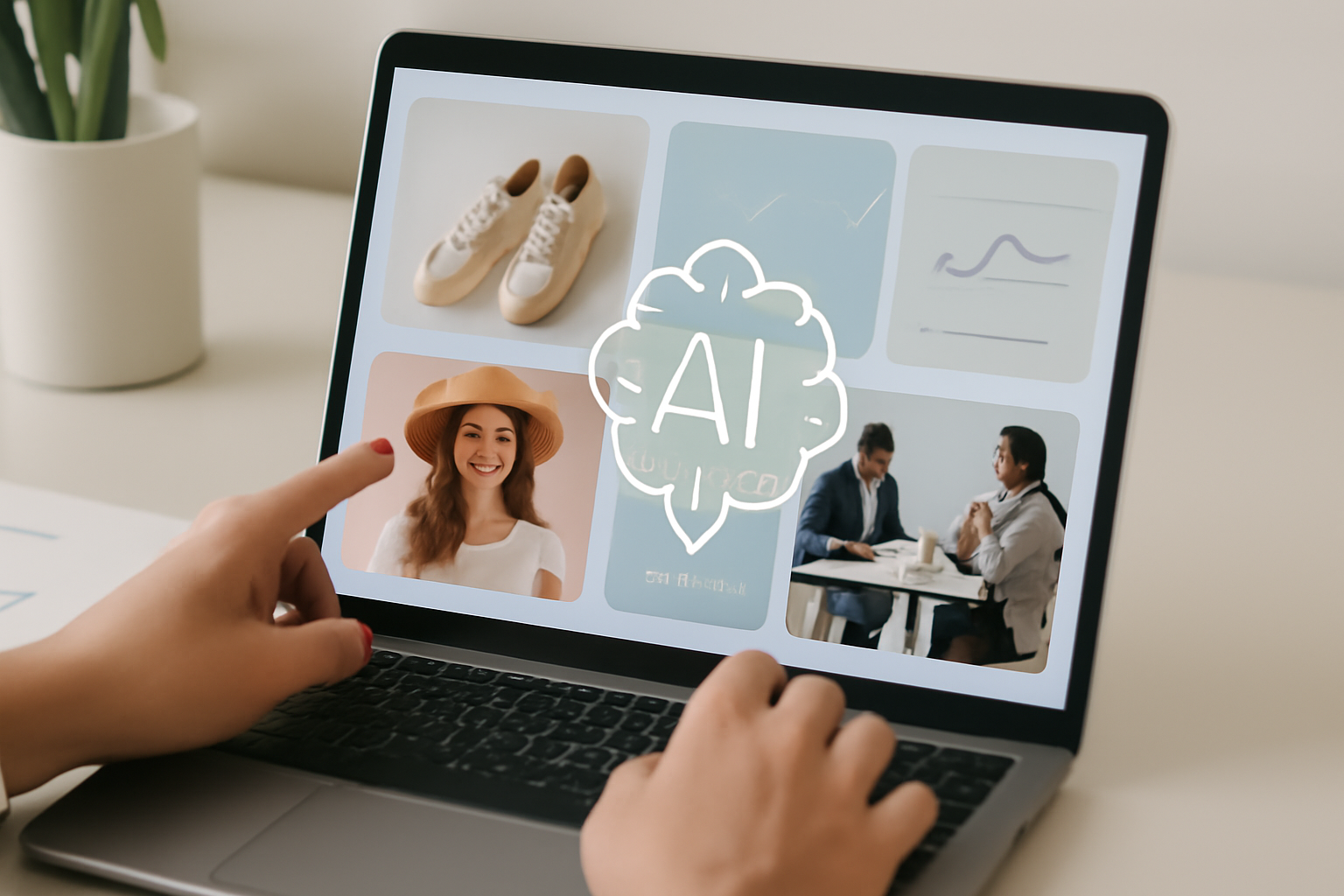
Pinterest recently introduced new AI-driven features for ads and personalized shopping experiences. These tools help brands and marketing teams produce on-platform creative, tailor product recommendations, and scale campaigns more efficiently. This guide shows eCommerce companies, startups, service providers, B2B firms, and agencies how to implement Pinterest AI tools for ads in a practical, step-by-step way — including setup, campaign strategies, creative examples, measurement tips, and industry use cases.
Why Pinterest AI tools for ads matter
Pinterest is a discovery-first platform where people come to plan and buy. AI features that generate creative, optimize personalization, and suggest shoppable pins can shorten the path from inspiration to purchase. For businesses this means: faster creative production, more relevant ad placements, and improved return on ad spend when used correctly.
Step 1 — Account and feature setup
Access and permissions
Ensure your Pinterest Business account is verified and linked to your website catalog. Give ad managers the appropriate access in Ads Manager and Catalogs so they can create and manage campaigns and product sets.
Enable AI creative and personalization
Check your Ads Manager for the new AI creative and personalized shopping options. Enable the features for the ad accounts you manage. Upload your product feed, images, and brand assets so Pinterest’s systems can generate content and recommendations from your inventory.
Step 2 — Creative workflows using Pinterest AI
Use AI to ideate and generate variations
Start by providing core inputs: product images, short descriptions, target audience segments, and campaign objectives. Use the AI tools to produce multiple creative variations — headlines, descriptions, and visual overlays. Save high-performing variants for further testing.
Practical creative examples
- Fashion brand: Upload product images and ask for seasonal lifestyle variations (e.g., “spring brunch look”). Generate ad copy with different value propositions like “sustainable,” “limited edition,” or “everyday comfort.”
- Home goods store: Request room-styling mockups with your product in multiple color schemes. Use text overlays like “Under $50” or “Weekend DIY Project.”
- Service provider: Convert case-study bullet points into short swipeable ad cards highlighting outcomes (e.g., “30% faster onboarding”).
Step 3 — Campaign strategies and targeting
Match intent with creative
On Pinterest, users search and browse with intent. Align creative with where users are in the journey: inspiration, planning, or ready-to-buy. Use inspirational imagery and broad keywords for early-funnel discovery, and action-oriented creative with product details for lower-funnel audiences.
Use AI-powered personalization for product recommendations
Activate personalized shopping features to surface the most relevant products from your catalog per user. Create product sets for audiences like “gift ideas,” “best sellers,” or “new arrivals” and let the platform tailor displays based on behavior and signals.
Performance-based bidding and audience layering
Combine automated bidding with layered audiences: interest and keyword targeting plus retargeting visitors who engaged with specific product pins. Use campaign-level A/B testing to compare AI-generated creative vs. human-created creative.
Step 4 — Measurement and optimization
Key metrics to track
- Click-through rate (CTR) and engagement — to judge creative resonance.
- Conversion rate (CVR) and purchases — to evaluate bottom-funnel performance.
- Cost per acquisition (CPA) and return on ad spend (ROAS) — to measure efficiency.
- View-through conversions and catalog-driven revenue — for shopping features.
Practical optimization routine
Week 1: Launch multiple AI-generated creative variants with equal budget to collect early signal. Week 2: Pause the lowest-performing variants and reallocate budget to top performers. Week 3–4: Introduce new product sets into personalized shopping campaigns and test different bidding strategies. Keep a rolling 4-week review to capture seasonal trends.
Use cases across industries
eCommerce brands
Drive product discovery with shoppable pins that use AI to match inventory to user tastes. Example: a footwear brand serving personalized outfit pins based on browsing history.
Startups and DTC brands
Lower creative costs and accelerate testing by using AI to create multiple ad concepts. Example: a DTC skincare startup testing benefit-driven vs. ingredient-driven messages.
Agencies and marketing teams
Scale client campaigns by automating creative production and using personalized shopping to increase client ROAS. Example: a full-funnel approach where discovery campaigns feed audiences into personalized shopping catalogs.
Service providers and B2B
Use inspirational and case-study pins to capture planning-stage users. Example: a SaaS company using AI to turn product specs into benefit-focused ad cards for different buyer personas.
Common pitfalls and how to avoid them
- Over-reliance on AI: Treat AI output as a starting point — always review brand voice and compliance before publishing.
- Poor data inputs: AI works best with clean product catalogs and high-quality images. Fix feed errors before enabling personalization.
- Insufficient testing: Run controlled experiments to prove the value of AI creatives and personalization before scaling budgets.
FAQs
Do I need technical expertise to use Pinterest’s AI ad tools?
No. Basic setup requires a business account, product feed, and ad manager access. Most AI creative and personalization features are designed to be user-friendly, though marketing teams benefit from a clear testing plan.
Will AI replace creative teams?
Not entirely. AI accelerates ideation and variant generation, but human oversight ensures brand consistency, strategic context, and quality control.
How quickly can I see results?
Initial performance signals often appear within days, but meaningful optimization and reliable ROAS measurement usually require 2–4 weeks of testing.
Are these features suitable for B2B campaigns?
Yes. Use AI-generated case-study pins, targeted creative for buyer personas, and catalog-style feeds for productized services to increase relevance across B2B buying stages.
What’s the best way to start?
Begin with a small pilot: enable AI creative on one campaign and a personalized product set. Compare outcomes to your current benchmarks and scale based on learnings.
Conclusion
Pinterest’s new AI tools for ads and personalized shopping make it faster to create relevant, shoppable creative and to serve products that match user intent. By combining disciplined setup, clear testing, and ongoing optimization, businesses can improve creative efficiency and campaign ROI. Treat AI as a force multiplier — not a replacement — and design processes that validate outputs through measurement.
If you want help launching or scaling Pinterest campaigns using these AI features, The Next Zeros offers audits, strategy, and full-funnel campaign management tailored to your goals.
Call to Action: Ready to unlock Pinterest AI tools for ads? Contact The Next Zeros for a free campaign audit and a tailored implementation plan.